***This document provides helpful tips to improve your site's accessibility. While it doesn’t guarantee 100% compliance, it’s a great starting point to make your website more inclusive and user-friendly.***
Identification
Alternative text for images should not be redundant with adjacent text (Rule ID: image-redundant-alt)
Applicable Standards
Deque Best Practice
WCAG Success Criterion 1.1.1 (Level A)
Impact
Minor level impact affecting:
Blind users
Deafblind users
Proper Implementation
Use empty alt text when image is decorative or repeated in adjacent text
Provide meaningful, non-redundant alt text for informative images
Write alt text that conveys purpose and function for button images
Avoid duplicating link or button text in alt attributes
Focus on conveying meaning rather than describing appearance
Examples of Correct Usage
Meaningful
altText for Informative Images:
Thealttext describes the content and context of the image, providing relevant information to screen reader users.

Empty
altText for Decorative Images:
The decorative image has emptyalttext (alt=""), ensuring screen readers ignore it and focus only on meaningful content.

Functional
altText for Button Images:
Thealttext ("Search") conveys the function of the button, enabling screen readers to understand its purpose.

Avoiding Redundancy with Adjacent Text:
The
alttext is empty because the adjacent text ("Call us at (123) 456-7890") already conveys the image's purpose.

Describing Infographic Content:
Thealttext summarizes the key information from the infographic, helping screen reader users understand the data.

Common Errors to Avoid
Redundant
altText:
Thealttext ("Phone icon") is redundant because the adjacent text already conveys the same information, creating unnecessary verbosity for screen reader users.

Overly Detailed
altText:
Thealttext includes unnecessary details (e.g., clothing color and wall description), making it verbose and harder to understand.

Missing
altText for Informative Images:
The image lacksalttext, leaving screen reader users unaware of its content or purpose.

Incorrect Use of
altfor Decorative Images:
Thealttext unnecessarily describes a decorative image, creating noise for screen reader users.

Ambiguous
altText:
Thealttext ("Chart") is too vague to provide meaningful context about the image.

Rationale
Prevents screen readers from announcing the same text twice
Reduces cognitive load for users
Improves clarity of content
Maintains efficient navigation
Ensures meaningful information delivery
Evaluation Method
Inspect the Code
Verify that:
Every image has an appropriate
altattribute.Decorative images use
alt="".Informative images have meaningful
alttext that conveys purpose or context.alttext avoids redundancy with adjacent text.
Test with a Screen Reader
Use a screen reader (e.g., NVDA, JAWS, or VoiceOver) to confirm:
The
alttext is clear, concise, and provides relevant context.Decorative images with
alt=""are correctly ignored.Images of buttons and links convey their function.
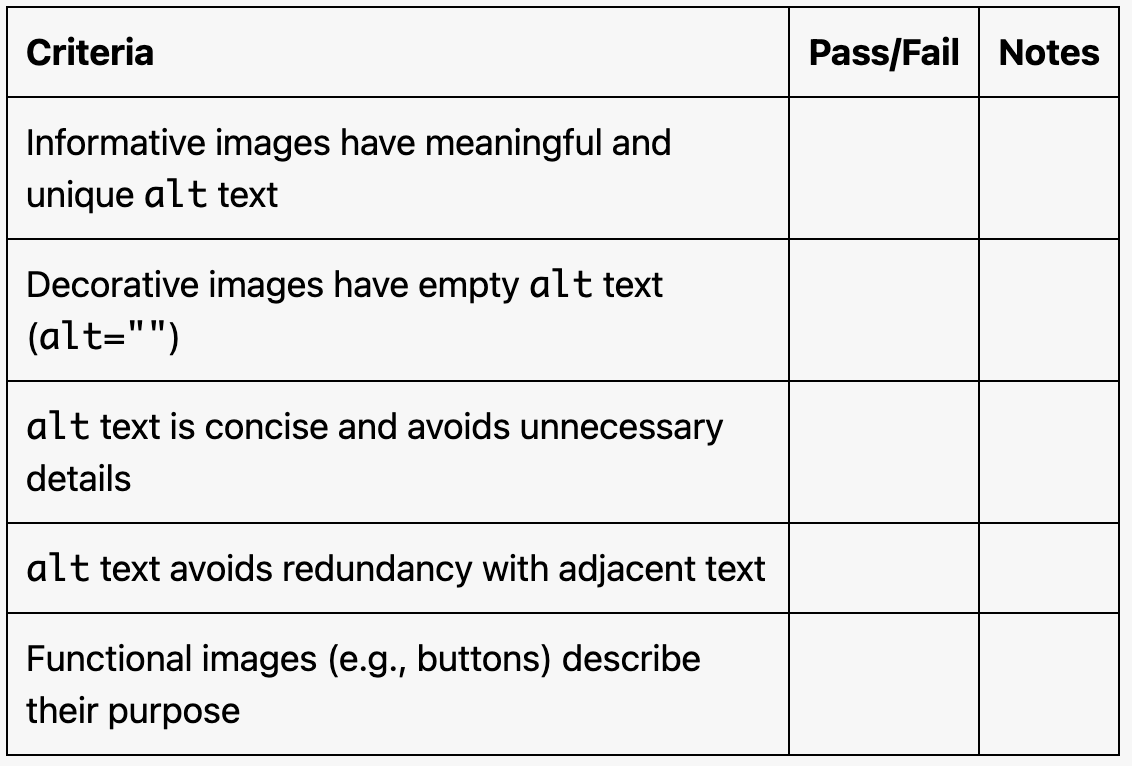
Evaluation Checklist