***This document provides helpful tips to improve your site's accessibility. While it doesn’t guarantee 100% compliance, it’s a great starting point to make your website more inclusive and user-friendly.***
Identification
HTML elements with lang and xml:lang attributes must have matching base language values (Rule ID: html-xml-lang-mismatch)
Applicable Standards
WCAG 2.0, 2.1, 2.2 Level A (3.1.1)
EN 301 549
Impact
Moderate level impact affecting:
Blind users
Deafblind users
Users with cognitive disabilities
Proper Implementation
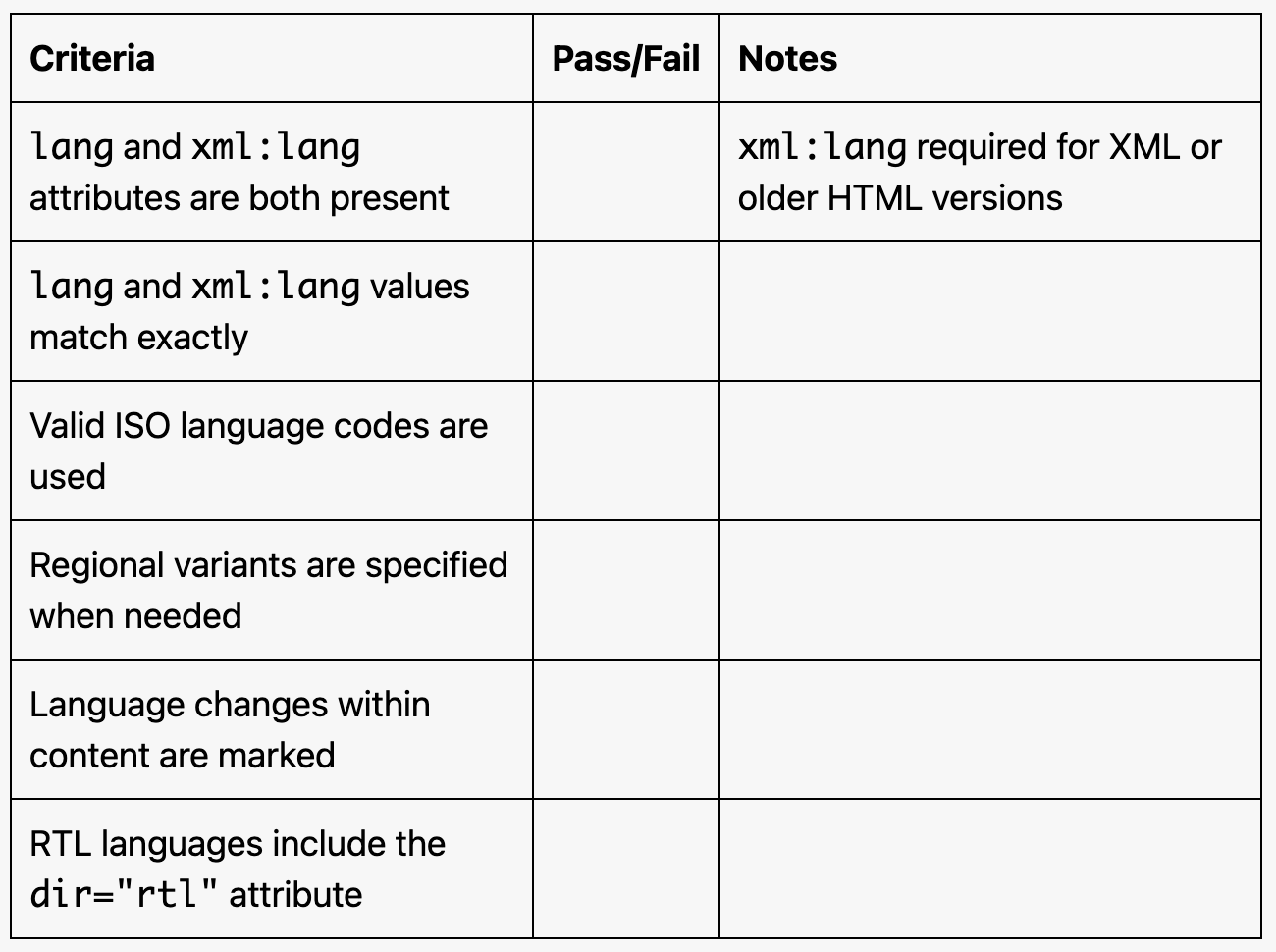
Include valid lang attribute on HTML element
If xml:lang is present, it must match lang value exactly
Use correct language codes (e.g., "en", "es", "fr")
Specify regional variants when necessary (e.g., "en-US", "fr-CA")
Mark language changes within content
Include direction attributes for RTL languages
Examples of Correct Usage
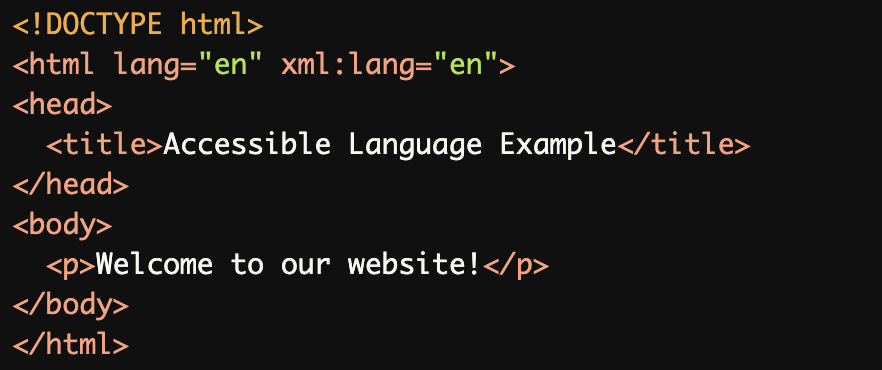
Matching
langandxml:langAttributes:The
langandxml:langattributes both specify English (en), ensuring consistency for language interpretation.
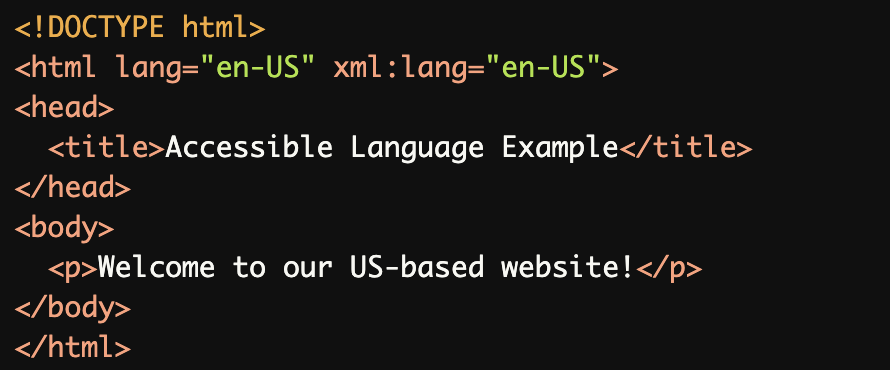
Specifying Regional Variants:
Bothlangandxml:langspecify the regional varianten-US(English, United States), providing clarity for screen readers and search engines.
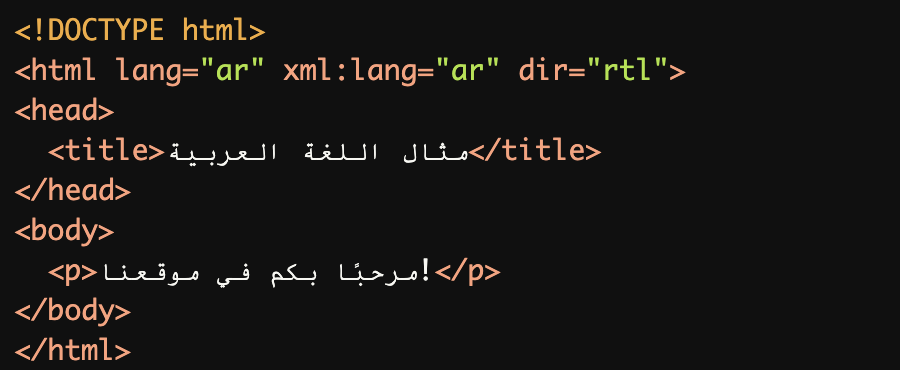
Using a Right-to-Left (RTL) Language:
Thelangandxml:langattributes match (arfor Arabic), and thedir="rtl"attribute specifies the correct text direction.
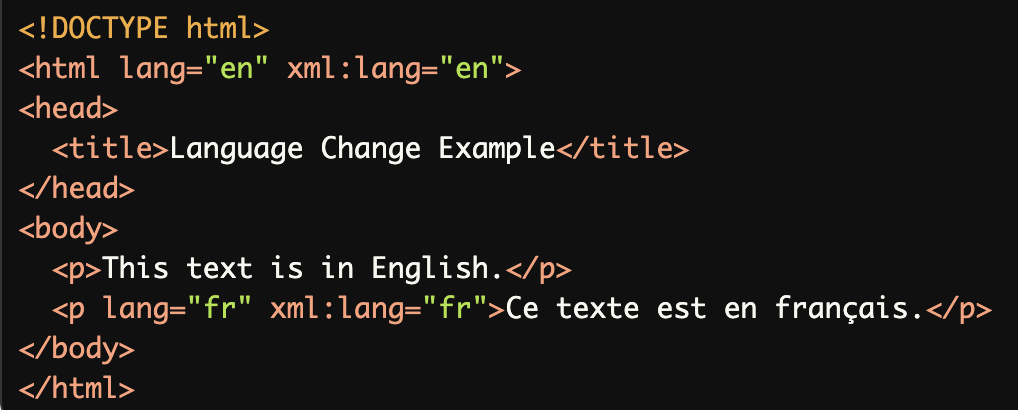
Marking Language Changes in Content:
Thelangandxml:langattributes on the<html>element and<p>element match their respective languages, ensuring consistent interpretation.
No
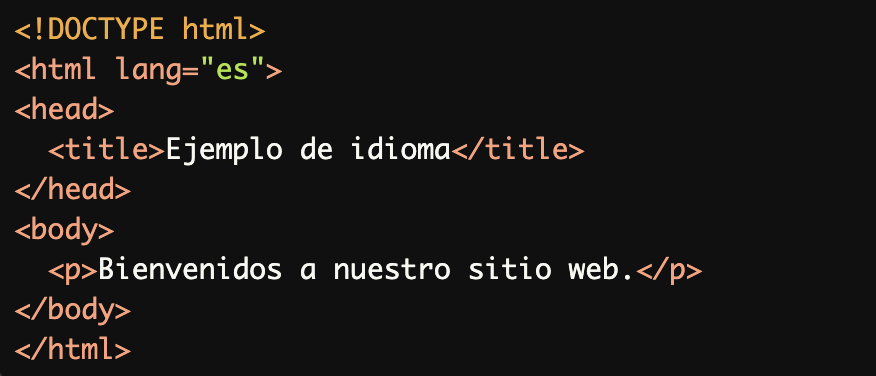
xml:langAttribute (Optional in HTML5):
Thelangattribute alone specifies Spanish (es), which is sufficient in modern HTML5. Thexml:langattribute is not mandatory unless explicitly required.
Common Errors to Avoid
Mismatched
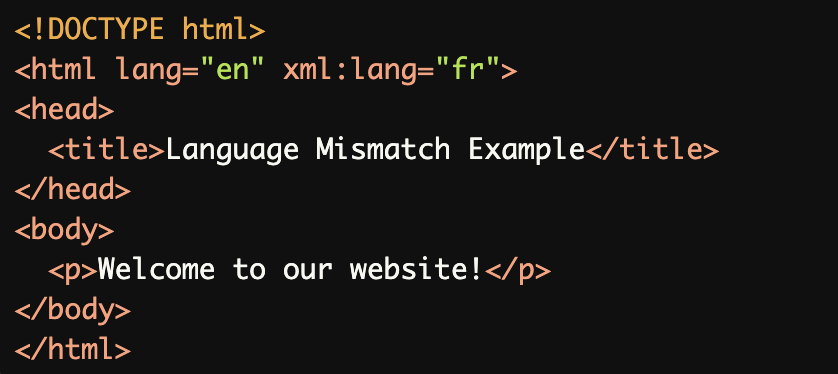
langandxml:langValues:
Thelangattribute specifies English (en), whilexml:langspecifies French (fr), causing inconsistent language interpretation by screen readers.
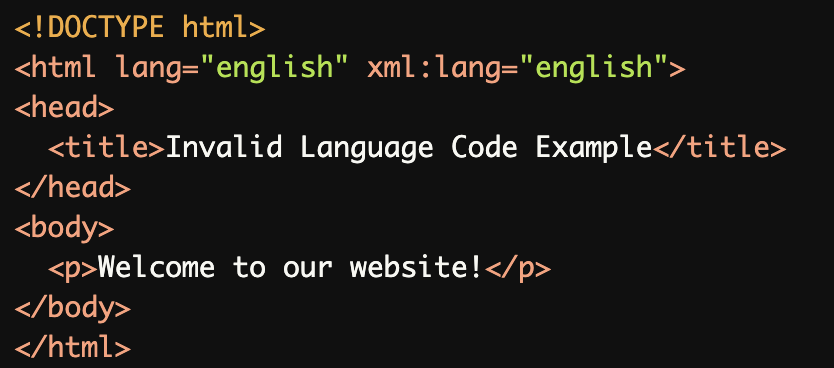
Invalid Language Code:
The language codeenglishis invalid. Use the correct ISO language code (enfor English).
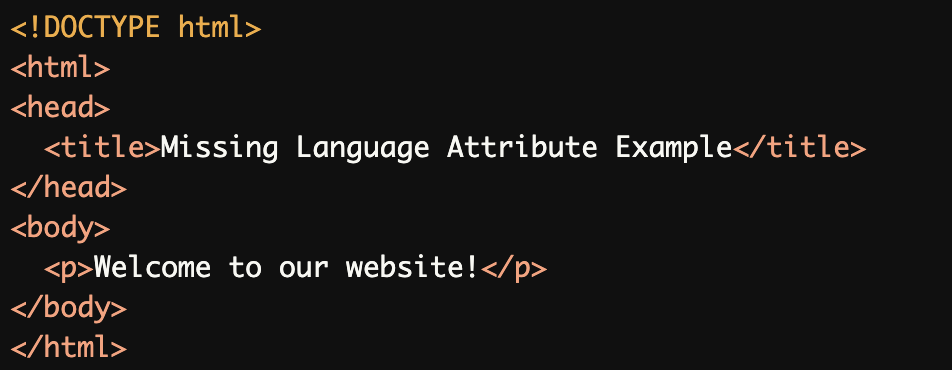
Missing
langAttribute:
The missinglangattribute leaves the document's language undefined, making it harder for screen readers to interpret the content correctly.
Missing
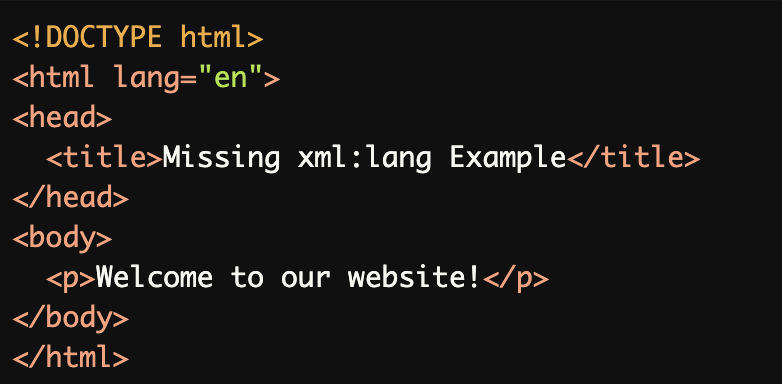
xml:langWhen Required:
Ifxml:langis required (e.g., for XML-based documents or older HTML versions), its absence creates inconsistencies and may lead to incorrect interpretation.
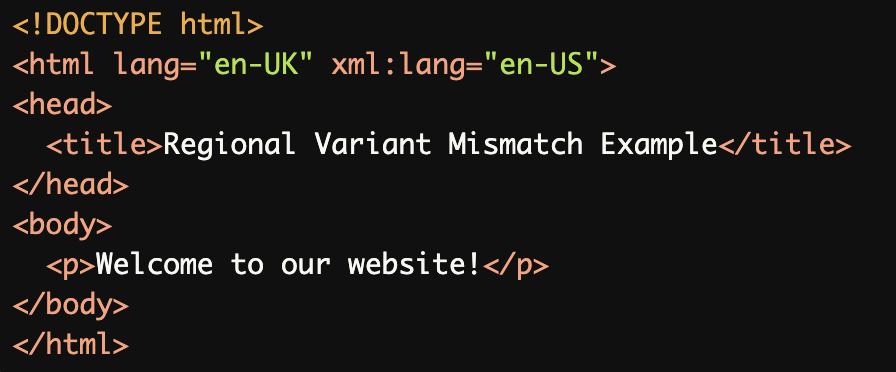
Incorrect Regional Variant:
Thelangandxml:langattributes specify different regional variants (en-UKanden-US), leading to inconsistent language parsing.
Rationale
Screen readers use language-specific pronunciation rules
Users configure default screen reader language
Incorrect language specification leads to:
Garbled pronunciation
Misinterpreted content
Poor user experience
Proper language identification ensures:
Correct pronunciation
Accurate screen reader interpretation
Better accessibility
Evaluation Method
Inspect the Code
Check that the
langandxml:langattributes:Are both present (if
xml:langis required).Use valid ISO language codes (e.g.,
en,es,fr).Match exactly to ensure consistency.
Ensure the correct
dirattribute is used for right-to-left (RTL) languages like Arabic or Hebrew.
Test with Assistive Technology
Use a screen reader (e.g., NVDA, JAWS, or VoiceOver) to confirm that the document's language and any language changes are recognized and announced correctly.
Evaluation Checklist